Keep instruments in view
Build watchlists and explore charts in the client workspace.
Watch the instruments. Read the charts. Review the decision. A connected workspace for Indian-market instruments, orders and portfolio information.

Move from an instrument to an order, then back to the wider picture. A connected MarketOS workflow with account controls.

Build watchlists and explore charts in the client workspace.
Review orders, positions and portfolio information in your account.
Account permissions, KYC eligibility and configured risk checks govern available actions.
Follow instruments, explore TradingView charts and review your positions in one focused workspace. Build your next decision around information, not noise.
Explore MarketOS ↗Keep the complete picture in view. Current orders use internal simulated execution; account results are not exchange settlement or a prediction of future returns.
Available instruments and data depend on the configured account and provider. This website displays no live quotes. Review quantity, order type and product before submitting.
Understand the journeyNo. Current NiveshGuru MarketOS orders use internal simulated execution and are not routed to an exchange.
The client workspace includes watchlists, charts, orders, positions and portfolio information. Access depends on your account permissions and eligibility.
This public website displays no live quotes. Images and video are illustrative and do not show forecasts or trading performance. In the client workspace, choose CHART or DETAILS for available instrument information.
Use the existing registration process. Account access and relevant trading actions remain subject to verification, KYC and account controls.
Keep instruments, chart analysis and account review connected. Learn the workflow and understand the risks before making a decision.
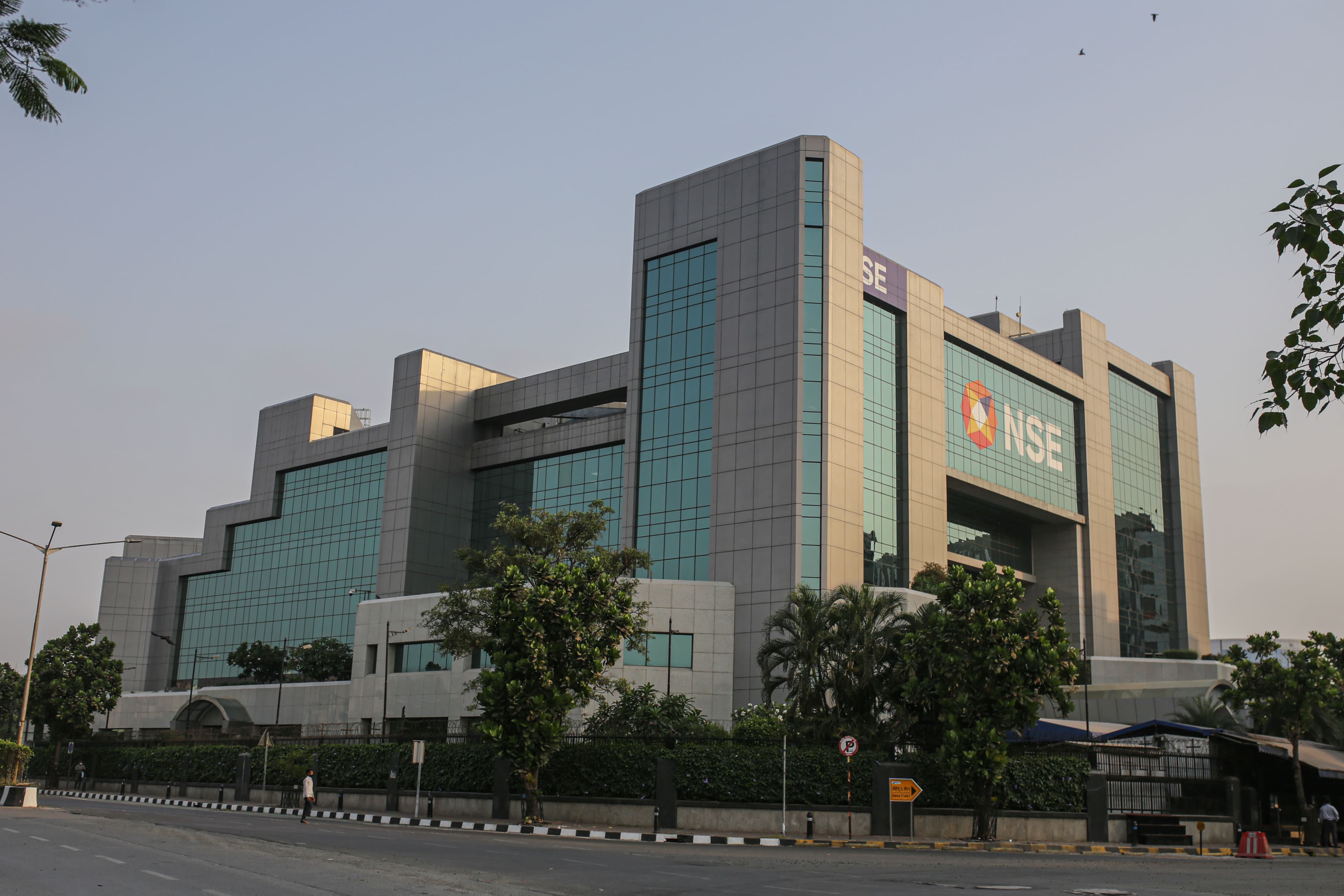
This exchange photograph is editorial imagery and does not imply affiliation or exchange routing.
Explore markets ↗